Indian Express
This open-source macOS app aims to simplify USB-C cable confusion
4 min readNew DelhiJun 16, 2026 12:51 PM IST
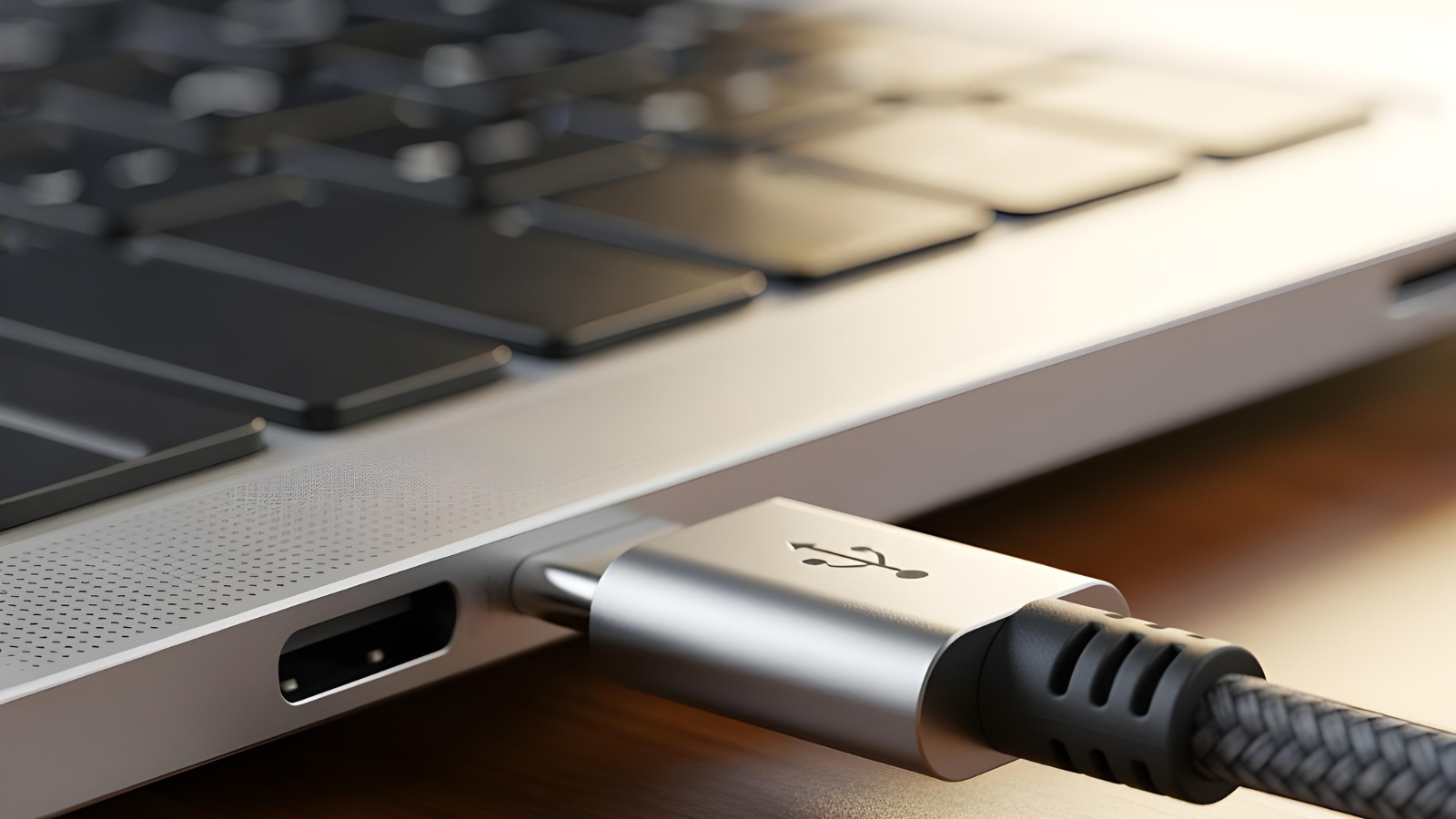
A macOS app designed to help users understand USB-C cable charging, speed, and display capabilities. (Image for representation: Magnific)
A new macOS application called WhatCable is aiming to solve a problem many users face with USB-C accessories: figuring out what different cables can actually do.
Launched in May 2026, the free and open-source menu bar app for macOS helps users identify USB-C cable capabilities, including charging speeds, data transfer limits, display support, and connected device information. The app arrives as USB-C becomes the standard connector across smartphones, laptops, monitors, and accessories, even as differences between cables continue to create confusion.
Although most USB-C cables look nearly identical, their capabilities vary widely. Some support high-speed transfers through USB4 or Thunderbolt 4, while others are limited to slower charging or basic data transfers. In many cases, users may not know whether a cable is the reason behind slow charging, reduced transfer speeds, or display issues.
Against this backdrop, WhatCable explains cable performance in plain language by reading USB-C and USB Power Delivery information already exposed by macOS. According to the developer Darryl Morley, the app can identify charging bottlenecks, data-speed limitations, display restrictions, cable e-marker details, and the transport standards being used, including USB 2, USB 3, USB4, Thunderbolt, and DisplayPort.
For example, the app can show whether charging speed is being restricted by the cable, charger, or Mac itself, while also identifying if an external monitor is running below its maximum resolution or refresh rate because of a cable or adapter limitation.
The app also includes “trust signals” designed to flag potentially unusual cables. These checks compare e-marker information against USB Power Delivery specifications and can identify issues such as missing vendor IDs, unusual metadata, or mismatches between advertised speeds and charging capability. However, the developer notes that these warnings do not necessarily confirm a counterfeit cable but instead point to details worth reviewing.
Built for Apple Silicon Macs
WhatCable currently works only on Apple Silicon Macs running macOS 14 or later. According to the developer, Intel-based Macs do not expose the USB Power Delivery and cable information required for diagnostics through public macOS APIs.
Story continues below this ad
The app is available as a free download and is open source under the MIT licence. Users can install it through Homebrew, GitHub releases, or direct download. In addition to the menu bar interface, WhatCable also includes a command-line interface (CLI) for terminal-based diagnostics and structured outputs for scripting.
While the free version provides cable identity, charging details, and bottleneck analysis, the company also offers WhatCable Pro, a one-time paid upgrade priced at £9.99 (Rs 1267.08 approximately).
The Pro version adds advanced diagnostics such as live power monitoring, Power Delivery contract inspection, display diagnostics, port health tracking, and a terminal dashboard for monitoring USB-C activity in real time. According to the developer, the software does not include analytics, telemetry, or background network requests, and processes data locally on the device.
The app currently supports 19 languages, including Hindi, Japanese, Korean, French, German, Spanish, and Simplified Chinese, with translated diagnostic messages designed to make cable information easier to understand for non-English speakers.
Story continues below this ad
The launch of WhatCable reflects a broader challenge surrounding USB-C adoption, where a single connector standard has simplified compatibility on paper but often leaves users uncertain about whether a cable can handle fast charging, external displays, or high-speed data transfers.
(This article has been curated by Shivani P Menon, who is an intern with The Indian Express)
© IE Online Media Services Pvt Ltd
View original source — Indian Express ↗
Related stories

Hacker Noon
TechnologyJun 10, 2026 · 1 min
System Definition Brings Software Engineering to AI Coding
Hacker Noon

Hacker Noon
TechnologyJun 9, 2026 · 1 min
What Developers Should Understand Before Deploying TanStack Start to Cloudflare Workers
Hacker Noon

Wired
TechnologyJun 4, 2026 · 1 min
This App Makes Google TV Actually Usable
Wired

TechRadar
TechnologyJun 8, 2026 · 1 min
'This looks awesome': there's now an unofficial, open source app for reading Whoop data that doesn't need a subscription
TechRadar