
ZDNet
I've worn dozens of smartwatches, but the Pebble Time 2 is the most fun I've had testing one
Pebble Time 2
4 / 5
Very good
pros and cons
Pros
Refreshing and fun UI
Two or more weeks of battery life
Extensive watch face and app collection
Cons
Gorilla Glass display sticks out too much
Doesn't support calls from the wrist
Occasional OS hiccups
View now at Amazon
Follow ZDNET: Add us as a preferred source on Google.
Ten years after I backed the ill-fated Pebble Time 2 on Kickstarter, a watch bearing that exact name finally arrived on my doorstep. The 2026 Pebble Time 2 is a brilliant nod to the 2015 original, retaining its signature 64-color e-paper display, tactile four-button layout, and legendary battery life.
But this isn't just a nostalgia trip. The latest Pebble Time 2 is a fully modernized smartwatch boasting a bezel-less 1.5-inch screen, health tracking, onboard audio, and seamless iOS and Android support.
Also: The best cheap smartwatches of 2026: Expert tested and reviewed
The Pebble Time 2 is not designed to compete with an Apple Watch, Galaxy Watch, Pixel Watch, or any of the advanced sports watches from Garmin, Suunto, and others, but it's still fairly capable as a standalone health device, thanks to its heart rate sensor and sync compatibility across iOS and Android.
Best smartwatch deals of the week
$300 (save $50)
$150 (save $100)
$49 (save $30)
$339 (save $60)
$280 (save $70)
Deals are selected by the CNET Group commerce team, and may be unrelated to this article.
It comes down to how you set it up
I bought the blue Pebble Time 2, so the sides have a light blue plastic set between a stainless steel bezel and back pieces with one metal button on the left and three textured metal buttons on the right. I despised the tactile feel of the plastic buttons on the older Pebble 2 Duo, but love them on the Pebble Time 2.
It's also fantastic to see that you can fully customize the press and press/hold of these buttons. Press and hold the button on the left to see the fun tip-toeing mouse switch the watch into quiet mode.
Out of the box, I was disappointed in the e-paper color display since I could barely see it when inside my house. It turns out the backlight was set to low intensity, which is really only good for outside bright environments. I have it set to high (level three out of four), with an 8-second timeout, and I am now very pleased with the display performance.
Also: I replaced my smartwatch with this e-paper wearable, and more people should do the same
Speaking of settings, make sure to jump in there to optimize the watch for your needs. I absolutely love the quiet-time options that let me quickly turn the Pebble Time 2 into a reliable watch that shows the time without disrupting my life. I am also a fan of Quick View, which pops up a notification on your watch when an event is about to start, with an option to set how far in advance that notification appears.
The Pebble app experience
The heart of the experience is the Pebble smartphone app. With over 10,000 watchfaces and apps to choose from, it's worth spending some time exploring.
In fact, right as I was writing this review, I finally found a watch face I absolutely love: TimeStyle. It features a massive font for the time, alongside the current weather, date, and a secondary time zone -- perfect for keeping track of when to call my family in Australia.
My physical shortcuts are just as tailored to my daily routine. A long press of the center-right button instantly launches the World Cup 2026 app, which lets me track current match scores and sync upcoming games directly to my calendar. The rest of my app grid is just as functional, rounded out by Skunk (for quick Starbucks barcode scans), Voice Notes, and Playback for Spotify control.
Native Pebble apps installed on the watch include workout, music, alarms, weather, health, timeline, and more. App details and settings are managed in the Pebble smartphone app. You can also move apps to the top in the Pebble app, but not on the watch itself.
I would love to be able to reorder apps in the Pebble app rather than just have one option to move to the top, as this requires advanced planning to get the apps in the order you prefer.
Other tabs in the Pebble smartphone app include Devices to manage your watch and check for updates, Health to view steps, sleep, and heart rate data (this is also where you can manage several health settings), Notifications, where you can toggle which notifications appear on your Pebble Time 2, and Settings. Both watch and phone settings are managed in the Pebble app.
Also: Google and Apple are finally giving smartwatches the creative freedom they needed
I've had the watch now for more than two weeks and have received a couple of firmware updates. PebbleOS v4.17.0 was just pushed to my watch a few days ago and included a host of improvements, with most of the fixes attributed to developers.
Given that developers have been working to keep Pebble watches going for over a decade, I think it is safe to say the Pebble Time 2 will just keep getting better as it ages.
ZDNET's buying advice
Although the Pebble I crowdfunded in 2016 never took off, I still wanted a Pebble Time 2, so I am very pleased to have a modern take on it with the 2026 model. Now that I'm using the Google Fitbit Air for my health and wellness tracking, I've gone back to a standard watch.
The Pebble Time 2 bridges the gap with a watch that shows the time and basic notifications without being as bothersome as most smartwatches today. As people look to focus on life rather than screens, the Pebble Time 2 may be the perfect smartwatch, with a sleek design that fits wrists of all sizes.
View original source — ZDNet ↗
Related stories

Portugal Resident
TechnologyJun 22, 2026 · 1 min
Farewell to HPA: Algarve healthcare group adopts CUF name
Portugal Resident
TechRadar
TechnologyJun 22, 2026 · 1 min
The Echo Dot 5th Gen is the best way to take advantage of Alexa+ for cheaper this Prime Day
TechRadar
TechRadar
TechnologyJun 22, 2026 · 1 min
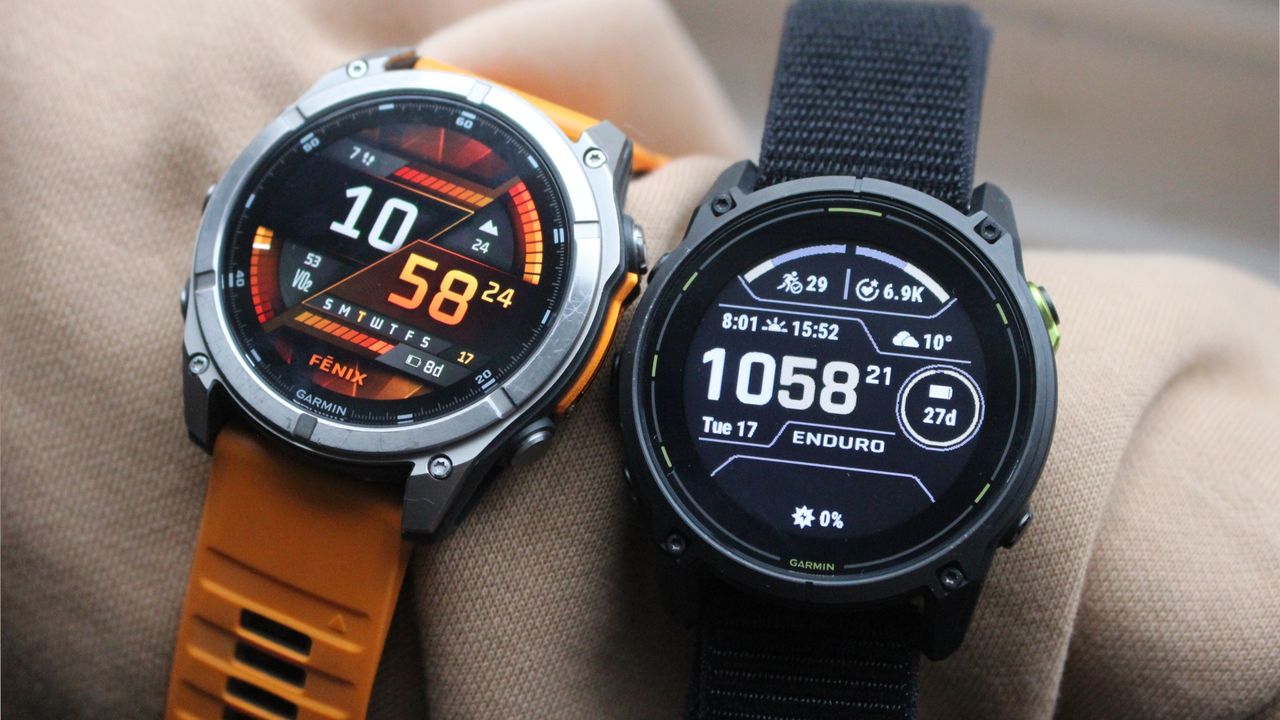
The Garmin Fenix 8 is as cheap as it's ever been
TechRadar
TechRadar
TechnologyJun 22, 2026 · 1 min
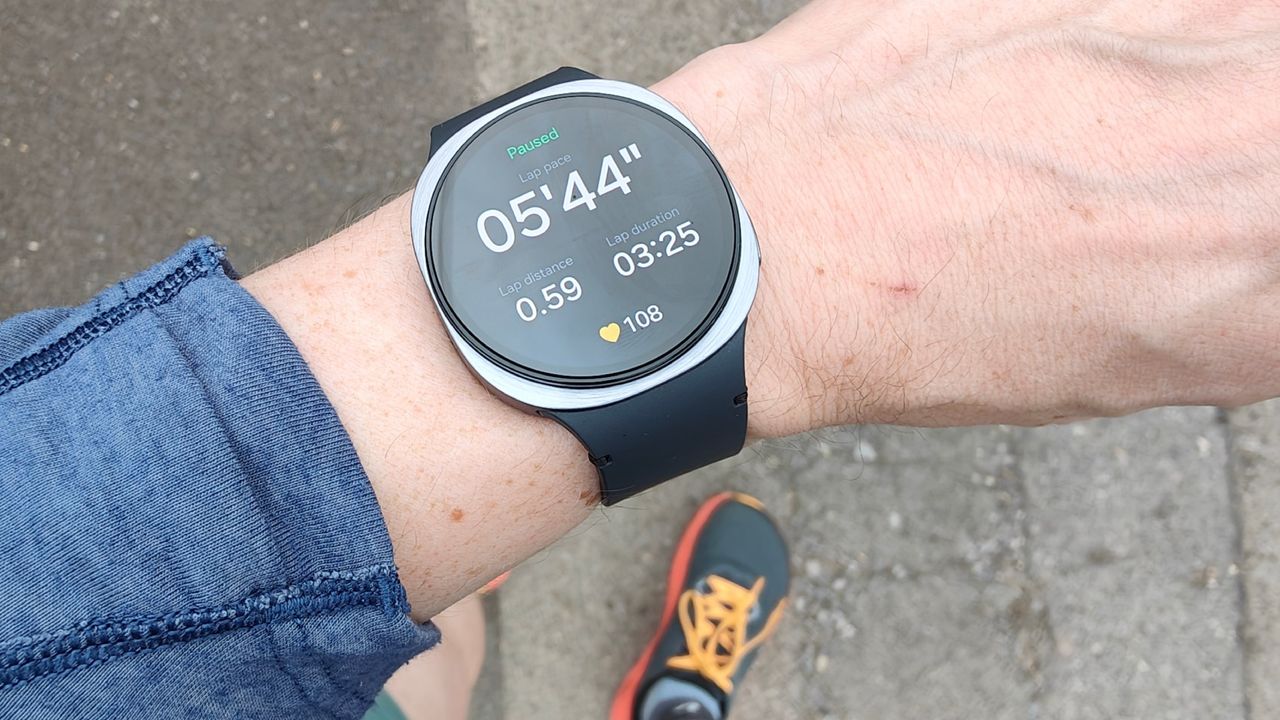
Got a Samsung phone? This is my highest-rated Samsung Galaxy Watch, and you should look out for it on Prime Day
TechRadar