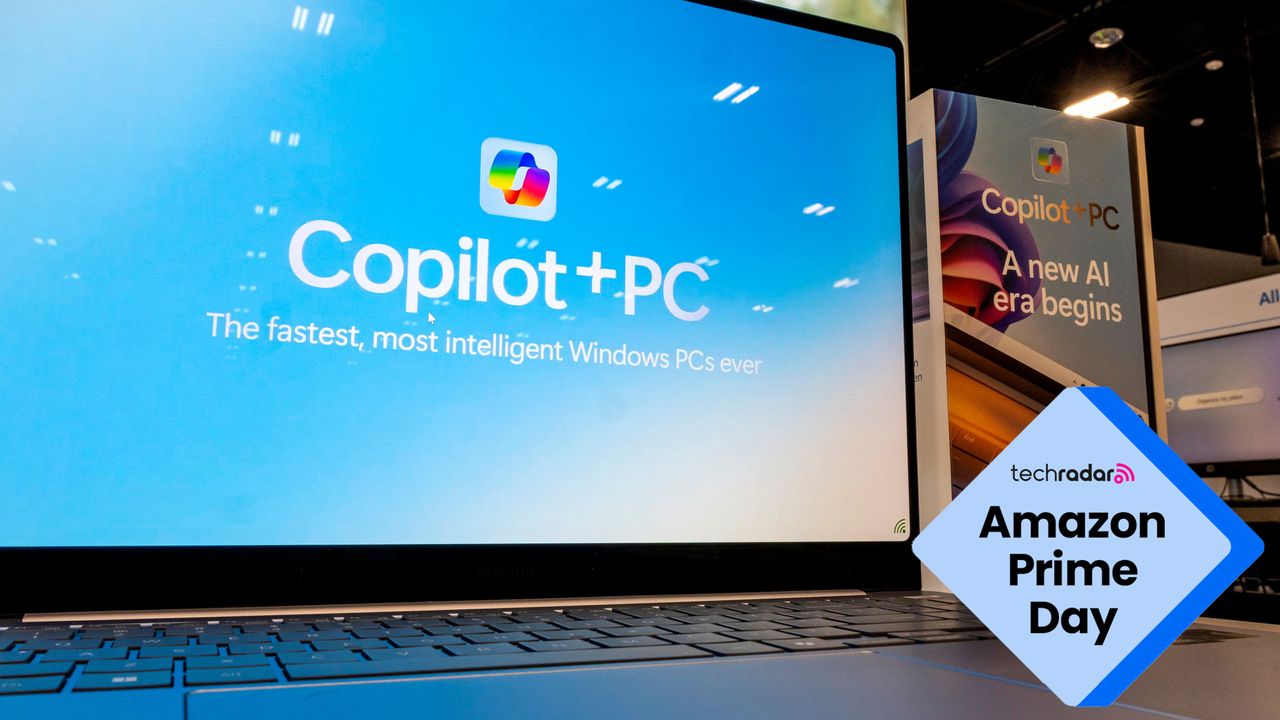
I cover AI for a living — these are the 5 things I’d check before buying an AI PC during Amazon Prime Day
The AI PC market has become incredibly confusing. Microsoft, Intel, AMD, Qualcomm, Apple and laptop makers are all selling 'AI PCs', but do you really know what you’re actually getting? And do you really need an 'AI PC' anyway?
Meanwhile, Microsoft appears to be expanding some Copilot+ features beyond dedicated neural processing units (NPUs), potentially blurring the distinction further.
What you need, then, is some way to tell whether you're buying a genuinely useful AI machine or just an expensive sticker. You want to be sure that whatever you buy, it will still be relevant in two years.
In short, there are five key things to check in order to make sure that your PC really is an 'AI PC'. They are:
Minimum RAM
NPU vs GPU
Copilot+ requirements
Does it have AI features you’ll actually use?
Is there enough space on the SSD?
Let’s look at them in turn:
1. At least 16GB of RAM (preferably 32GB)
AI features are memory-hungry. If you look at the deals on Prime Day laptops this week you’ll see that a lot of them are discounted because they're older models with 8GB RAM. That's already becoming restrictive for modern Windows use, and it's especially limiting if you want to run local AI tools.
The main exception to the rule is the MacBook Neo from Apple, which only comes with 8GB of RAM, but thanks to a 16-core neural engine can run the new Siri AI. It’s a great laptop for experimenting with AI, but advanced users will require more RAM.
Rule of thumb: Skip any 'AI PC' with 8GB RAM, the MacBook Neo being the only exception.
2. A processor that actually supports Copilot+ features
Many laptops are being marketed as AI PCs simply because they contain an NPU. That doesn't necessarily mean they support the full set of Microsoft Copilot+ experiences such as Recall, Click to Do, Cocreator, Live Captions, and so on.
The NPU is much more efficient at AI tasks than a CPU or a GPU, so you’re still going to need one if you’re looking for a machine that’s equipped for AI.
For an AI laptop, running Windows I’d look for: Qualcomm Snapdragon X series, recent AMD Ryzen AI chips, or recent Intel Core Ultra chips that explicitly support Copilot+.
When it comes to Macs, avoid ones with Intel chips completely. You need an Apple silicon processor, which are designated M processors, or in the case of the MacBook Neo, the A18 Pro. The M1 is pretty old now, since it came out in November 2020, but it will still support Apple Intelligence features. To make better use of the newest Siri AI features, due in macOS 27 Golden Gate, this fall, get the latest processor you can afford. The current version is the M processor is the super-fast M5.
3. Battery life that benefits from AI hardware
One of the genuine advantages of NPUs is efficiency. If a laptop only manages five or six hours of real-world battery life, then the AI hardware isn't delivering one of its biggest promised benefits.
Rule of thumb: Expect all-day battery life if you're paying a premium for an AI laptop. If the laptop says less in its specs, then avoid.
4. AI features you'll actually use
Remember, you don’t need an 'AI PC' to just run ChatGPT or Gemini in a browser, or using their native apps. Since subscription services like ChatGPT and Gemini do all their processing in the cloud, the capabilities of your PC aren’t really the issue here.
However, to make use of AI features that are part of the operating system, like Copilot in Windows and Siri AI in macOS, you will need a machine that’s classified as being AI capable. Also, some apps, like Photoshop, make use of the NPU in your PC when generating AI images, so they'll perform better with the correct hardware.
The question to ask yourself is, are you really going to be using these things?
Ask yourself whether you'll realistically use features like Live translation, AI image generation, AI-powered search and AI photo editing? Many people are paying extra for features they'll never touch.
Rule of thumb: Buy the laptop first, the AI second.
5. A fast SSD with enough space for local AI
Some newer AI tools run locally rather than entirely in the cloud. If you’re going to be using these sorts of tools (and the application is usually in programming) then you'll need to consider the speed and size of your SSD.
So while a bargain laptop with 256GB storage and 16GB RAM might look attractive, you’ll find you hit the storage limits once Windows, some games, apps and photos have been installed. And if you’re even thinking of installing a local AI model, it won’t do at all.
Rule of thumb: Aim for at least 512GB SSD, ideally 1TB.
Today's best Prime Day AI PC deals (US)
Today's best Prime Day AI PC deals (UK)
More Prime Day deals in the US
Amazon Devices: Fire Sticks & Echo from $18
Amazon Haul: viral gadgets, tech & appliances from $1.99
Apple: MacBooks, AirPods & AirTags from $29
Beauty: 50% off toothbrushes & hair tools
Cheap TVs: smart TVs from $69.99
Garden: tools, mowers, planters from $24.99
Headphones: 50% off Beats, Bose & Samsung
Laptops: Apple, HP & Dell from $199
Mattresses: Sealy, Serta & more from $186
Patio: outdoor furniture, rugs & decor from $19.99
Sports: 50% off fitness gear, treadmills & clothing
Vacuums: Dyson, Shark & Bissell from $34
More Prime Day deals in the UK
Amazon Prime: sign up for a 30-day free trial
Amazon Devices: Fire TV, Ring & Blink from £24.99
Amazon Haul: up to 30% off
Apple: AirPods Pro 3 for a record-low price
Appliances: up to 45% off Ninja, Tefal & Sage
Beauty: up to 60% off Philips & Oral-B
Essentials: household goods from under £10
Fashion: up to 50% off
Father's Day: up to 50% off gifts & drinks
Headphones: up to 50% off
Laptops: from £149.99
Tablets: Samsung & Lenovo from £125
Toys: up to 25% off Lego and Tonies
TVs: from £129.99
Vacuums: up to 40% off Eufy & Roborock
Wearables: Garmin & Huawei from £36.99
Follow TechRadar on Google News and add us as a preferred source to get our expert news, reviews, and opinion in your feeds.
Sign up for breaking news, reviews, opinion, top tech deals, and more.
Graham is the Senior Editor for AI at TechRadar. With over 25 years of experience in both online and print journalism, Graham has worked for various market-leading tech brands including Computeractive, PC Pro, iMore, MacFormat, Mac|Life, Maximum PC, and more. He specializes in reporting on everything to do with AI and has appeared on BBC TV shows like BBC One Breakfast and on Radio 4 commenting on the latest trends in tech. Graham has an honors degree in Computer Science and spends his spare time podcasting and blogging.
View original source — TechRadar ↗
Related stories

The Best Digital Wall Calendar (2026): Skylight, Everblog, Apolosign

This bestselling gaming device is not a Switch or a PS5 - and it's on sale for Prime Day
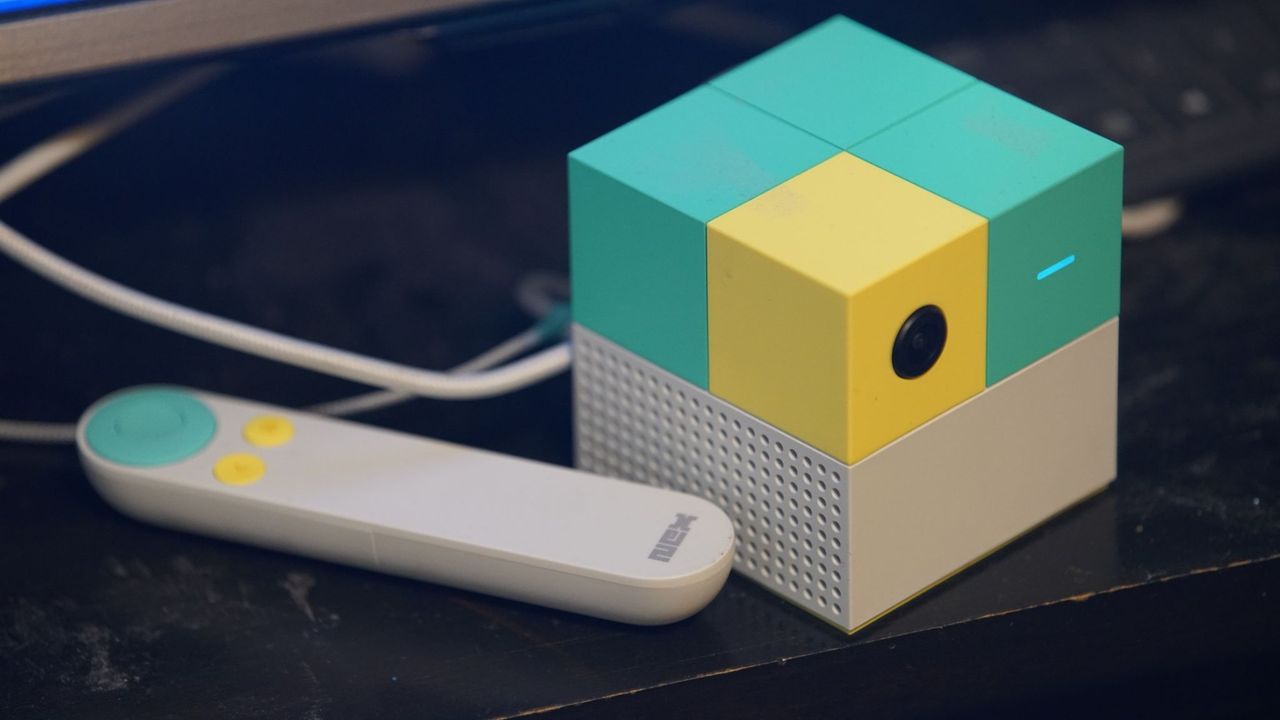
Forget the Switch 2 and PS5, the Nex Playground is the surprise game console hit of my household
