TechRadar
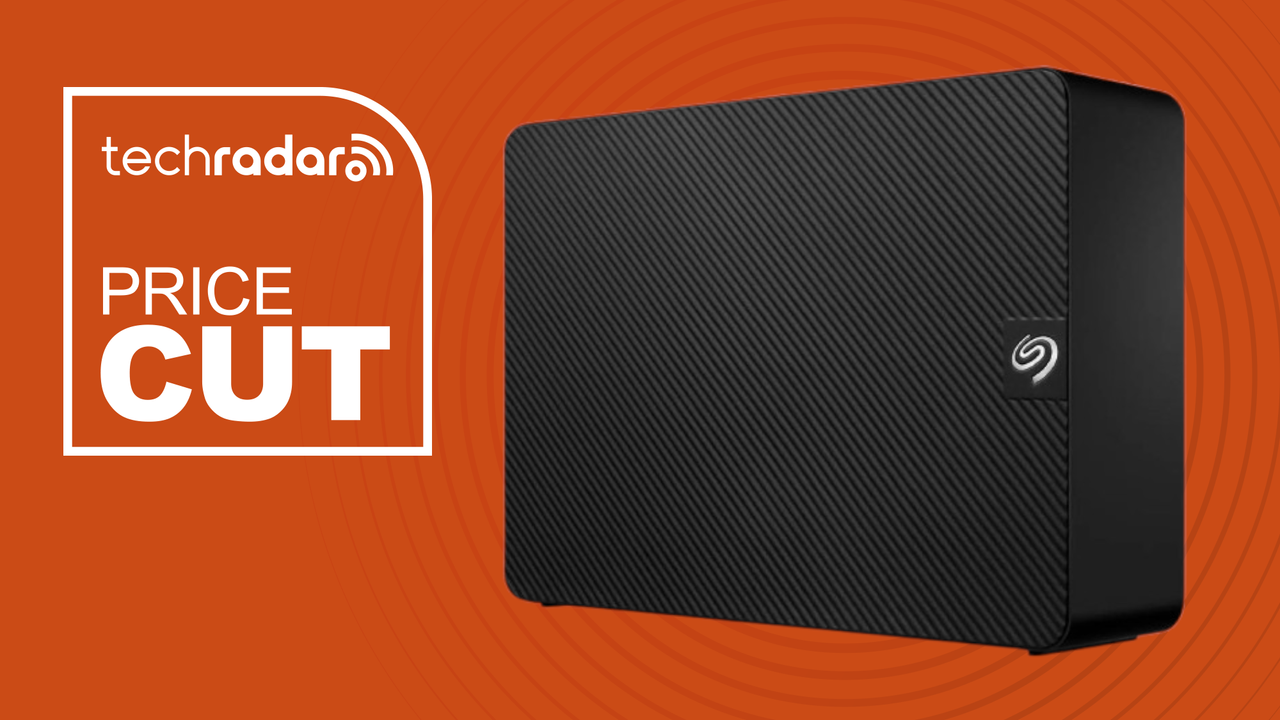
Forget storage anxiety with this 20TB Seagate external hard drive — it's one of our favourites and it's 32% off
I’m sure this scenario is familiar to you — you buy an external hard drive for a certain capacity, thinking that it would have more than enough space to store all your current files, and many more in the future — but then you soon realise that you’ve filled it up in no time. You’re then forced to delete some files to make enough room for new ones that you need to back up or archive. And so it goes.
I can definitely relate, having filled up a couple of hard drives ranging from 2TB to 6TB containing photo libraries, videos and Steam game backups, then later finding myself auditing those files more often than I’d like to clear up storage space.
If you’re in the same boat as me, Amazon has discounted the 20TB Seagate Expansion Desktop external hard drive by 32% to AU$623.73. That price averages to around 3 cents per gigabyte, which is brilliant value for a backup drive that’s also fast enough to be used regularly. I don't know about you, but it would certainly cure my storage anxiety woes.
This deal can also benefit those who work with large files regularly, like content creators, video editors, data professionals, graphic artists and more, where they can focus on their work and not constantly worry about storage.
In our best external hard drives buying guide, our reviewer called the Seagate Expansion Desktop the best-performing HDD they'd tested thanks to the read and write speeds of 242 MB/s and 237 MB/s, respectively, and for its relatively compact size compared to others in this category.
The main downsides the tester mentioned were the hard drive’s external power requirement — which is something I would certainly live with for a capacity of this size — and the expensive RRP, which this 32% discount handily takes care of.
While you can invest in some network attached storage (NAS) devices for your growing storage needs, the Seagate Expansion Desktop is an easier plug-and-play solution that won’t require much fiddling to set up — it’s as easy as plugging the drive in and moving files to it via Windows Explorer or macOS Finder. Plus, this deal is a much cheaper alternative as the NAS devices themselves without drives cost around the same or even more in some cases.
On the other hand, this external drive can be used in a NAS device (or your PC, even) through “shucking”, or removing the external casing and installing the bare drive into a hard drive bay to add more storage for redundancy or otherwise. Do note that this will void the drive’s warranty.
In any case, a deal like this in a period of storage component shortages is hard to pass up for anyone in need of extra storage space for backups, archiving or any work that involves large file sizes.
Sign up for breaking news, reviews, opinion, top tech deals, and more.
Nico is an experienced writer and journalist, having previously written for business titles across Australia. He mainly focuses on phones, as well as finding deals and coupon codes at TechRadar Australia. Outside of work, Nico is a keen cyclist and occasional hiker, and also writes about related tech like smartwatches and bike computers.
View original source — TechRadar ↗
Related stories

Indian Express
TechnologyJun 24, 2026 · 1 min
Superhuman to bring GPTZero’s AI detection technology into its platform
Indian Express

The Next Web
TechnologyJun 24, 2026 · 1 min
South Korea is in talks with Samsung and SK Hynix over a second chip cluster
The Next Web

Engadget
TechnologyJun 24, 2026 · 1 min
Alibaba sues the US government for adding it to list of firms linked to Chinese military
Engadget
TechRadar
TechnologyJun 24, 2026 · 1 min
You can save £100 on Samsung’s Galaxy XR headset if you act fast — and have a PayPal account
TechRadar