Indian Express
5 lesser-known Google Account settings you should change today
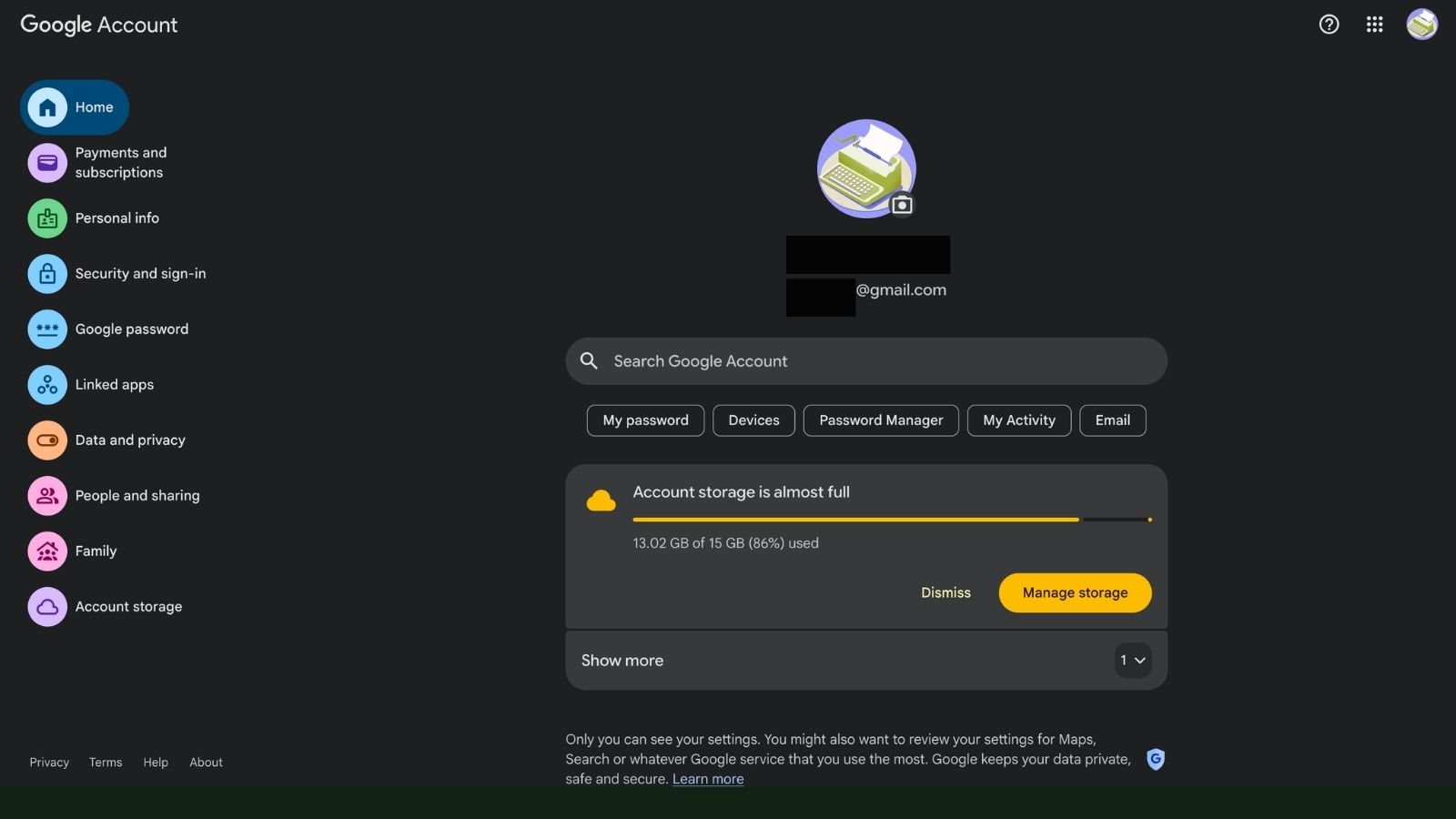
Your Google Account powers almost everything in Google’s ecosystem, from Gmail and Google Maps to YouTube, Photos, Drive, and Android devices. While most users rarely go beyond changing their password or enabling two-factor authentication, several hidden settings can improve privacy, security, and your overall experience.
Here are five lesser-known Google Account settings worth checking today.
Review what information is visible on your Google profile
Many people don’t realise that parts of their Google profile can be visible to others. If someone receives an email from you through Gmail or reads a review you have posted on Google Maps, they may be able to view your public profile.
Open your Google Account, head to Data & Privacy > Profile, and review what information is publicly visible. You can control whether details such as your profile picture, bio, social media links or other personal information remain public or private.
Keeping only essential information visible helps reduce your digital footprint without affecting how you use Google’s services.
Add recovery contacts before you need them
Passwords can be forgotten, devices can be lost, and accounts can sometimes get locked. That’s why Google lets you add trusted recovery contacts who can help verify your identity if you’re ever unable to access your account.
To set this up, go to Security & Sign-in > Recovery contacts and choose trusted family members or friends. They will receive a request from Google to confirm their role.
Story continues below this ad
While recovery phone numbers and backup email addresses are useful, trusted contacts provide an additional layer of protection that is often overlooked.
Personalise or limit Google’s targeted advertising
Google uses your activity to personalise the advertisements you see across its products. While you can’t completely remove ads, you can influence which categories appear.
Navigate to Data & Privacy > My Ad Center, where you can review Google’s understanding of your interests and turn specific categories on or off. You can also reduce ads related to certain brands or sensitive topics like gambling or alcohol.
Adjusting these settings won’t reduce the number of ads you see, but it can make them more relevant or less intrusive.
Story continues below this ad
Remove devices you no longer use
Over the years, most people sign into multiple phones, tablets, laptops, and desktop computers using the same Google Account. Some of those devices may no longer be in use.
Visit Security & Sign-in > Manage all devices to review every device currently connected to your account. If you spot an old smartphone, laptop, or tablet you no longer own or use, sign it out immediately.
Regularly reviewing connected devices reduces the risk of someone accessing your account from forgotten hardware.
Automatically delete your Google activity
Google stores information such as your web searches, app activity, Google Maps history and interactions across its services to personalise recommendations and improve your experience.
Story continues below this ad
If you’d rather not keep years of activity stored indefinitely, you can enable automatic deletion.
Go to Data & Privacy > Web & App Activity > Auto-delete and choose whether Google should erase activity after 3 months, 18 months or 36 months.
While deleting activity may make Google’s recommendations slightly less personalised, it also limits the amount of personal data stored in your account over time.
Why these settings matter
Many Google Account settings work quietly in the background, making them easy to overlook. Spending just a few minutes reviewing your privacy, security and account preferences can help protect your personal information, improve account recovery options and give you greater control over how Google uses your data.
Story continues below this ad
With cyber threats and online privacy concerns continuing to grow, these small adjustments can make a meaningful difference without changing how you use Google’s services every day.
View original source — Indian Express ↗
Related stories
TechRadar
TechnologyJul 2, 2026 · 1 min
Xbox might be following PlayStation's lead, as new reports claim Microsoft is testing a new disc-to-digital game…
TechRadar

TechRadar
TechnologyJul 2, 2026 · 1 min
I'm a NAS expert — here's how to build your own personal cloud for just over $1000
TechRadar

RFI
TechnologyJul 2, 2026 · 1 min
Google loses final appeal against EU’s record €4.1bn anti-trust fine
RFI

BBC
TechnologyJul 2, 2026 · 1 min
Google must pay €4.1bn fine for using Android to 'block' rivals
BBC