
Hacker Noon
The Smartphone Is the New Office, But Workplace Software Has Not Caught Up
Once upon a time, “Sent from my iPhone” used to be a sort of an apology, an explanation why there were some typos or a slightly terse reply. Today, it has turned into a comment on modern-day work. Our workplaces have moved into our palms; however, most of the technologies we use still assume that all serious work is done in the office, on a laptop, with the full screen and full concentration of our minds. Things are changing, however. Recent mobile workplace studies revealed that the average respondent to their surveys spends almost 21 full workdays each year conducting business on their phone. Nearly 90% report feeling they need to be available to their company after normal hours. This is no longer a minority; people are now frequently emailing back from airport lounges or checking business emails on the train, for example. Mobile work has become part and parcel of how we conduct business today; however, many tools that support mobile working practices treat it as an add-on rather than as something built in. Mobile work has moved past email Mobile work used to mean email. You got your notifications, responded to important messages, and opened up a document when all else failed. The line separating work and personal life no longer exists. Workers use their mobile phones to perform many tasks beyond simply reading email. They are reviewing documents, sending files, approving requests, filling out forms and signing contracts with their mobile devices. These tasks are not minor; in fact, most of them constitute the actual business process. Documents are approved, contracts are signed, client files are reviewed, and managers provide feedback on the work performed. For most enterprises today, the mobile device is no longer just a notification tool; it is now where the work gets done. As a result, most enterprise mobile applications were designed with the assumption that the mobile experience was simply an easy alternative to the desktop experience. Therefore, enterprise mobile applications were created and everything inherent in the workflows still occurred somewhere else. In addition to being able to view a document, the user experience for editing a document was cumbersome due to limited mobility. It was also challenging to approve a request that required many additional steps to ensure the action taken was accurate. In addition, signing a contract using the mobile application was nothing more than taking a desktop application and making it work on a small screen (e.g., on a mobile device). That is the fundamental point of difference. The employees are already mobile. However, the software hasn’t caught up yet. The issue is not the phone. It is the workflow The modern smartphone is no slouch either. The power of the device should allow most knowledge workers to generate a significant amount of output without depending on their mobile devices for assistance with workflow processes. The problem is one of workflow design. Most workplace software applications continue to assume that users have access to large screens, stable network connections, a keyboard and mouse, and the capacity to focus on lengthy workflows involving several steps. For mobile devices, these workflows become delicate. A form that is easy to complete on a desktop becomes difficult on mobile. Formatting becomes an issue to notice. Approving documents becomes annoying when it is difficult for the user to compare versions. Security prompts become interruptions rather than assistants. Even something as simple as selecting text, editing fields and reviewing tables becomes difficult. And that is why mobile productivity cannot be simply solved by improving the hardware. If the employee is worried that he/she cannot complete the task on a mobile device, it is probably because the user interface has failed to earn his/her trust. The task may still be doable, but it is not necessarily trustworthy, transparent and accomplished. A good mobile office application is not just an adapted desktop application. It takes into account the actual mobile usage patterns. People use their phones for brief periods of time. People use their phones during and in between the meetings, when they travel, in public places and when their attention is split somewhere else. People need clarity fast, people need to be sure of themselves before submission and people need to feel safe about a single wrong tap causing an unwanted action. And that is a different approach to designing. Mobile productivity has a trust problem The issue of knowing whether an individual can accomplish a task and being confident of accomplishing it correctly are not always one in the same. This becomes more significant when it comes to mobile work. Employees might be at ease using their phones to send brief messages, but may feel insecure about editing a professional document or evaluating something financially significant. A recent study showed that small screen size, lack of full-featured software and fear of making expensive errors were among the top challenges to mobile work. One out of every three surveyed employees also reported feeling insecure about editing professional documents on their mobile devices. It is reasonable to feel so. With a laptop, there’s usually more space for users to check, compare, edit and re-check. With a phone, it’s all squished together. Important information becomes easy to overlook. An attachment being missing, using an incorrect version, or signing off too quickly becomes a higher risk. This leads to a problem of trust. For mobile work to be truly impactful , workplace apps need to give people peace of mind that they won’t screw anything up. It needs to provide clear previews before sending, solid version history, easily undone actions, confirmation steps and document experiences optimized for small screens. The challenge facing design teams shouldn’t be whether the person could do the job with the app. It’s whether they’d have enough trust in the experience to do the job in that app. The always-available problem is also a software problem Mobile working is often framed in terms of culture, and it certainly is. Expectations around time to reply and availability are created by employers. Managers determine whether employees feel free to turn off. But software comes into play as well. Enterprise applications provide employees with either ongoing access to enterprise applications or access restricted through assistance. Every notification, badge, alert and message preview defines what urgency means. When everything is equally urgent, then everything is important. When every application is constantly sending alerts, work becomes ambient. Work follows people through lunch, commute, chores, doctor visits and holidays. That is why mobile work software solutions need to go beyond merely helping people become more responsive. It needs to go beyond notifications. Default settings for notifications and quiet hours matter. Workplace software should allow employees to escalate or de-escalate their messages based on how urgent the issue is or when they sent the message. The mobile workplace does not exist because technology allows people to work everywhere. It provides employees with an environment that continues to allow them to perform their jobs regardless of where they are located. Advancements in technology will not solve the challenges posed by an organization’s culture, but they will make it much easier for employees to adopt healthy work behaviors. What better mobile workplace tools should look like The future of work is neither all-desktop nor all-mobile – it will be fluid. Employees will go back and forth between laptops, phones, tablets and other shared locations based on their specific work task, location and urgency. This means mobile cannot be an afterthought anymore. An ideal mobile workplace technology needs to be contextually aware. They need to take into account that the mobile environment allows for working in short intervals, with less real estate and more interruptions. Contextually aware mobile workplace tools focus on what happens most often on mobile - review, approve, sign, comment, search and make quick edits. They also need to be tolerant of errors. In mobile workplace technology, there must be simple ways to review submissions, revert to previous versions, undo actions and detect missing information. Good mobile workplace tools give confidence and confidence boosts productivity. Mobile device security protocols must be designed to protect data but must also be simple enough that end-users feel comfortable using their phones to bypass existing security measures without experiencing frustration. When security is disruptive, it leads to workarounds. That is where document management tools like Adobe Acrobat come into play. In fact, for most groups, the more anxiety-provoking mobile activity revolves around professional documents, including reviewing documents, editing documents, obtaining signatures, providing feedback and ensuring that the right document reaches the right people. Mobile document workflow enhancements can close the gap between "I can access this document via my phone" and "I can accomplish the task related to this document via my phone." Being able to achieve both means working on one device rather than switching to another each time you want to accomplish something! The ultimate goal is not simply to have access to traditional desktop uses on mobile devices. It is to make mobile work reliably when it really counts. The office is already in your pocket The mobile workplace is not on its way; it is now here. Employees are reviewing documents, signing off on contracts, exchanging information, and making decisions via their mobile devices. They do this from the comfort of their homes, the office, during lunch, while traveling, and during the times that once separated work from life. The issue is whether workplace applications will continue to treat mobile usage as an afterthought or embrace what employees are actually doing. For decades, the “Sent from my iPhone” designation implied that the content was less than perfect because it originated from a small screen. The next generation of workplace applications must render this idea obsolete. The mobile device has already found its place in the new office environment. The applications just need to catch up. \n \
View original source — Hacker Noon ↗
Related stories

TechSathi
TechnologyJul 8, 2026 · 1 min
Nothing Phone (4b) Price in Nepal: Specifications, Features & Availability
TechSathi
Indian Express
TechnologyJul 8, 2026 · 1 min
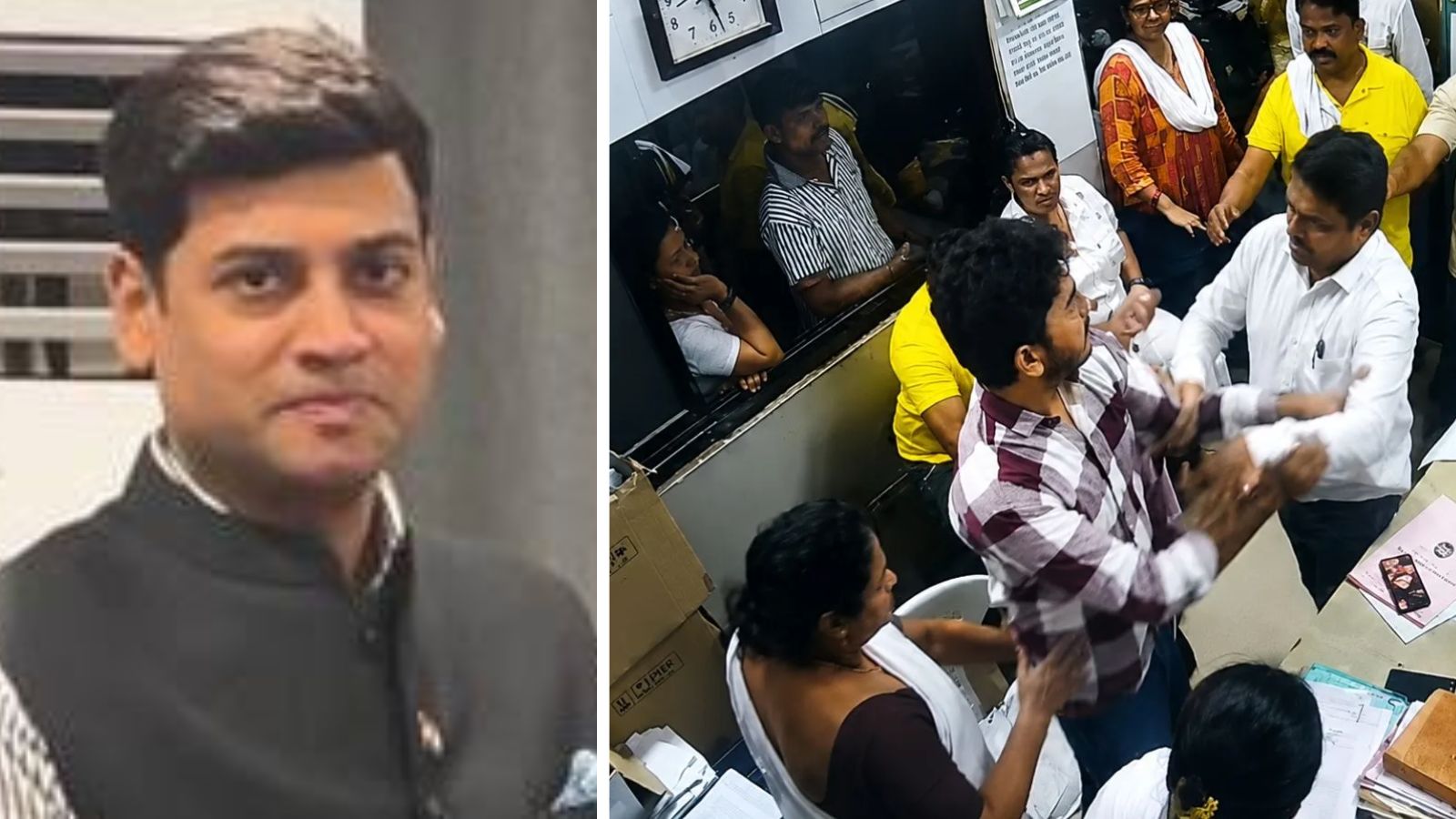
“I regret altercation, but didn’t hit woman doctor”: Shiv Sena corporator on Thane hospital assault
Indian Express

Indian Express
TechnologyJul 8, 2026 · 1 min
Indira Point: Why Centre wants to protect landmark lighthouse and develop tourism hub
Indian Express

Wired
TechnologyJul 8, 2026 · 1 min
9 Best Portable Power Stations (2026), Tested for Capacity and Size
Wired