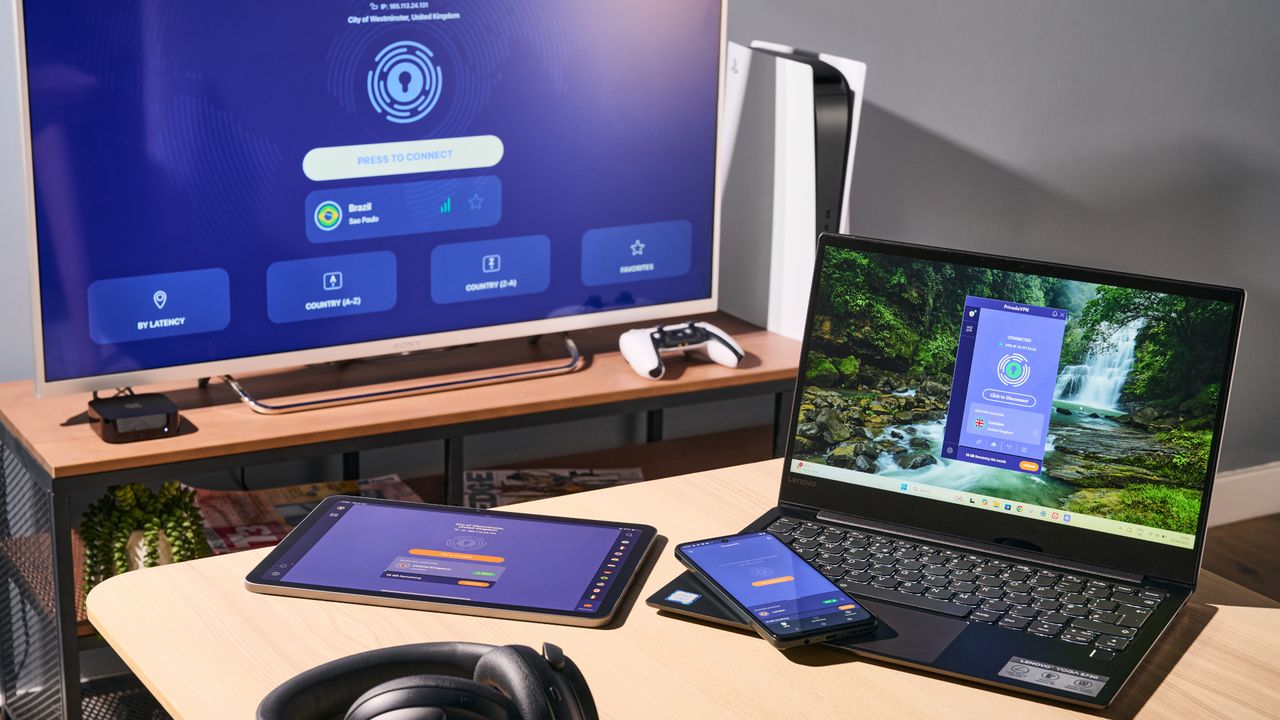
Privado VPN unveils an MCP server on Windows and macOS to let your AI agent manage your connection
PrivadoVPN has added a built-in MCP server to its Windows, macOS apps
It lets MCP-compatible AI tools manage your VPN connection
The server is opt-in, runs entirely on the device, and is restricted to localhost
The latest update from PrivadoVPN hands the keys to your VPN over to your AI assistant.
The provider has built a Model Context Protocol (MCP) server into its Windows and macOS apps, letting compatible AI development tools connect to and control your connection directly from your coding environment.
MCP is the open standard Anthropic introduced in late 2024 to link AI systems with external tools and data. By adopting it, PrivadoVPN joins a growing list of providers wiring their apps into the agentic era, allowing the best VPN services to be driven by natural language rather than menus and toggles.
What PrivadoVPN's MCP server does
PrivadoVPN's server plugs into MCP-compatible tools including Claude Code, Codex, Cursor, LM Studio, and Visual Studio Code.
Once it's running, an assistant can connect or disconnect the VPN, switch server locations, and check your current connection, IP address, and status. It can also list available locations, swap between WireGuard, IKEv2, and OpenVPN protocols, toggle the Kill Switch, and run basic network diagnostics.
Under the hood, the server is a local HTTP component embedded in the client. It listens on a fixed port (5801 by default) and is restricted to localhost, so it cannot be reached remotely. Commands run through the official PrivadoVPN app, and any change shows up instantly in the interface.
Security sits at the centre of the design. The server is off by default and has to be switched on by the user; it never leaves the device, and every action is executed by the PrivadoVPN client itself rather than handed to the AI.
The company pitches the feature to developers, QA teams, and power users who routinely run tests across different regions and VPN configurations.
You can see all the technical details on PrivadoVPN's support page.
How to use PrivadoVPN's MCP server
To turn it on, users need to open the PrivadoVPN app, head to Settings, then Application, and turn on the MCP Server option. Once saved, it runs quietly in the background.
From there, you point your AI tool at the endpoint, http://127.0.0.1:5801/mcp.
In Claude Code, for example, a single terminal command registers it, while Codex, Cursor, LM Studio, and VS Code each take a short JSON snippet in their MCP configuration.
The VPN and AI agents race
PrivadoVPN is only the first of a growing but still small list of VPN providers joining the AI agents race.
ExpressVPN, for example, claimed an industry first in March when it launched an MCP server in beta for its desktop apps. Siilarly to Privado, also ExpressVPN's tool is opt-in, local, and covered by its strict no-logs policy.
Norton VPN went further with its "VPN for Agents", an AI-native tool that spins up temporary, Docker-based tunnels so each agent and task gets its own separate connection.
Windscribe took a different route, releasing a skill that lets agents such as OpenClaw drive its command line interface (CLI) on a dedicated machine, while PureVPN turned ChatGPT into a conversational assistant that recommends servers and connects through deep links.
Follow TechRadar on Google News and add us as a preferred source to get our expert news, reviews, and opinion in your feeds. Make sure to click the Follow button!
Monica is a tech journalist with over a decade of experience. She writes about the latest developments in computing, which means anything from computer chips made out of paper to cutting-edge desktop processors.
GPUs are her main area of interest, and nothing thrills her quite like that time every couple of years when new graphics cards hit the market.
She built her first PC nearly 20 years ago, and dozens of builds later, she’s always planning out her next build (or helping her friends with theirs). During her career, Monica has written for many tech-centric outlets, including Digital Trends, SlashGear, WePC, and Tom’s Hardware.
View original source — TechRadar ↗
Related stories

NIMC, IT firms push for secure digital government services

I tested Jabra Evolve3 75 vs. ThinkPad 8550 - and I'd buy this headset for the ANC alone

Hack suggests AI music generator Suno scraped YouTube for training data
